Sales and cashier
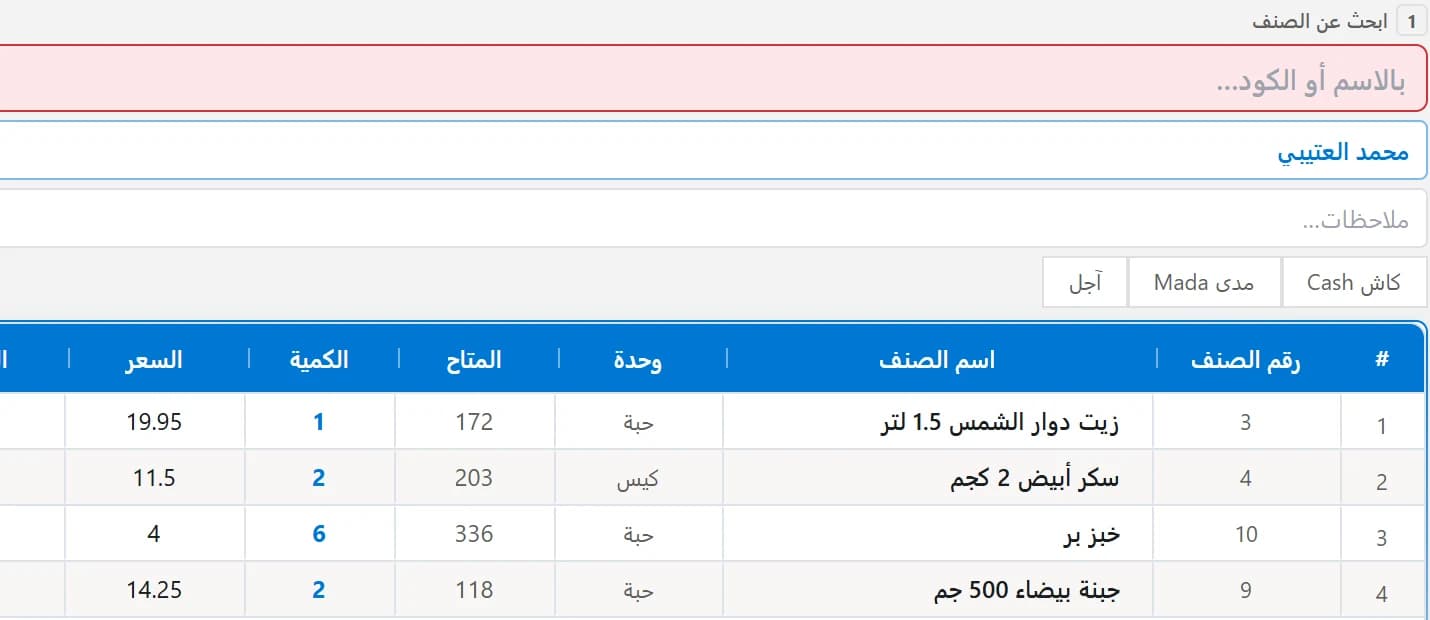
A sales invoice in seconds by barcode, search or touch; cash, credit or card, with returns and discounts.
Sales, inventory and accounts in one program.
Cashier and accounting software for your shop or restaurant, with e-invoicing connected to ZATCA. It runs on your device, even when the internet is down.
Free trial up to 300 invoices, no card needed. Arabic and English, on Windows 10 and 11.

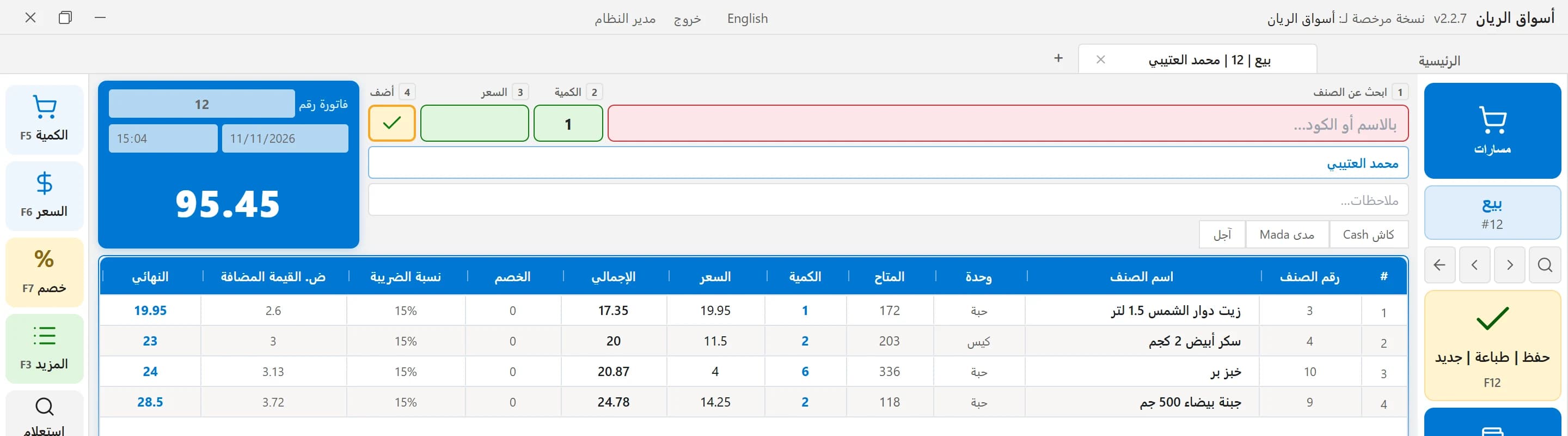
The sales screen as it appears in the software
From the cashier to accounts and tax, in one program.
A sales invoice in seconds by barcode, search or touch; cash, credit or card, with returns and discounts.
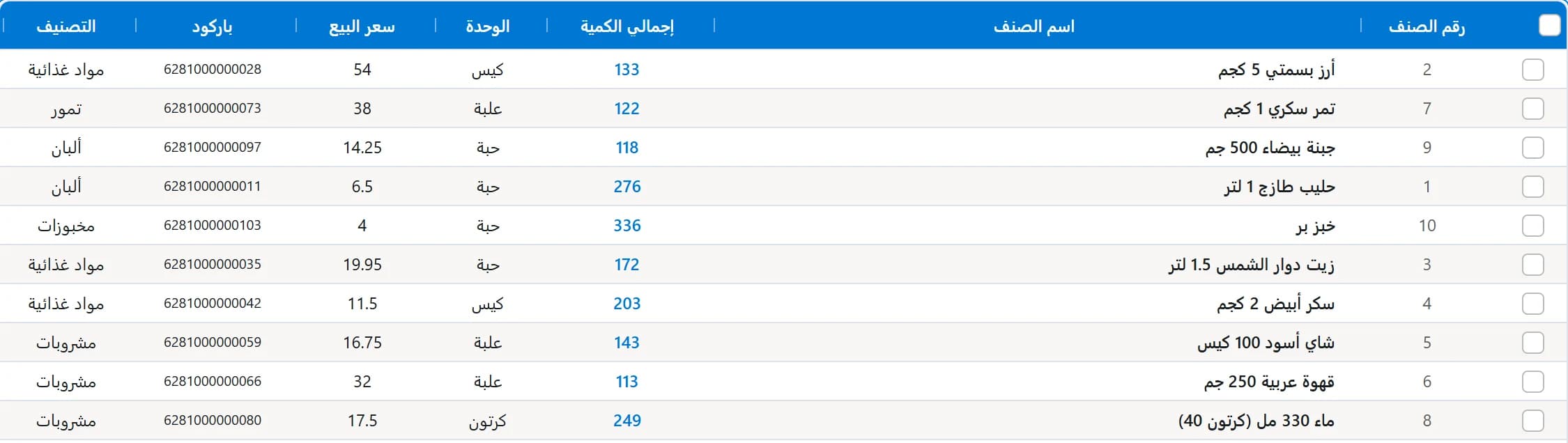
Quantity and cost of every item in every warehouse, stocktaking, units, purchase orders and barcode labels.
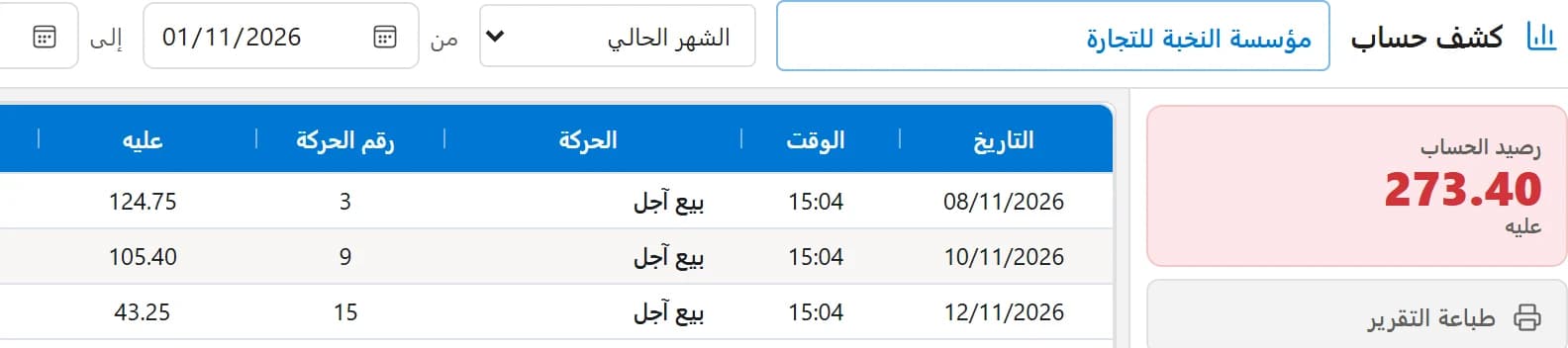
Balances and statements, receipt and payment vouchers, installments and debt aging.
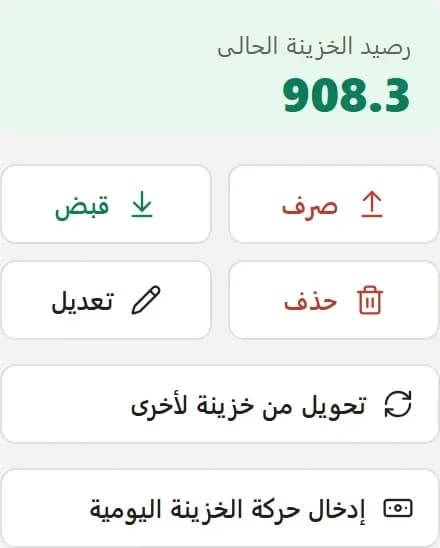
Current cash balance, multiple cash boxes and banks, cheques and daily movement.
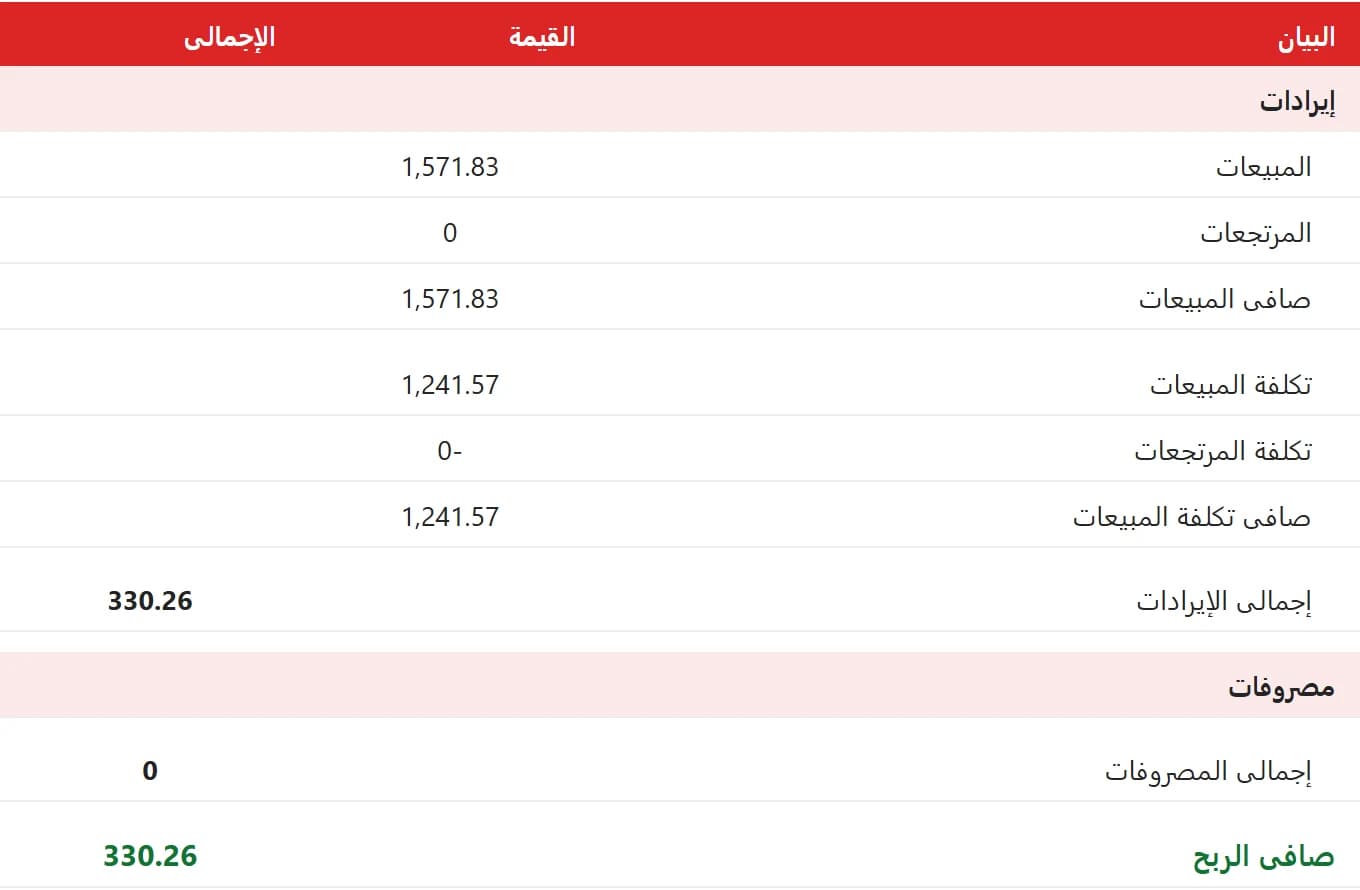
Profit per invoice and per item, profit and loss, and a ready VAT report.
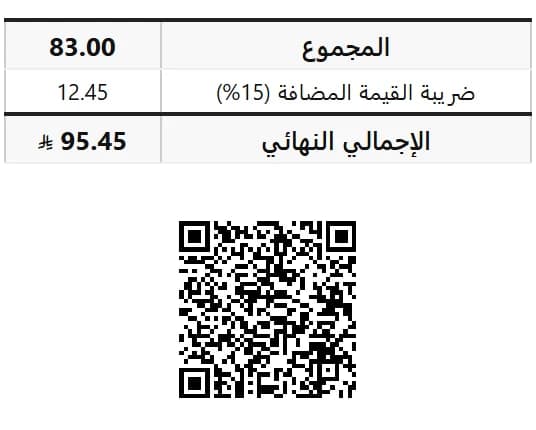
A QR code on every invoice, and sending and tracking invoices with ZATCA from inside the app.
The software is connected to ZATCA's Fatoora platform, so every invoice it issues is ready for the authority.
With the OTP from the Fatoora portal, the app issues your device certificate and compliance invoices on its own.
Digital signature, an unbroken sequence, and a QR code printed on the invoice.
Simplified invoices are reported within 24 hours; tax invoices are cleared before they reach the customer.
Pending, sent, or rejected with ZATCA's reason.
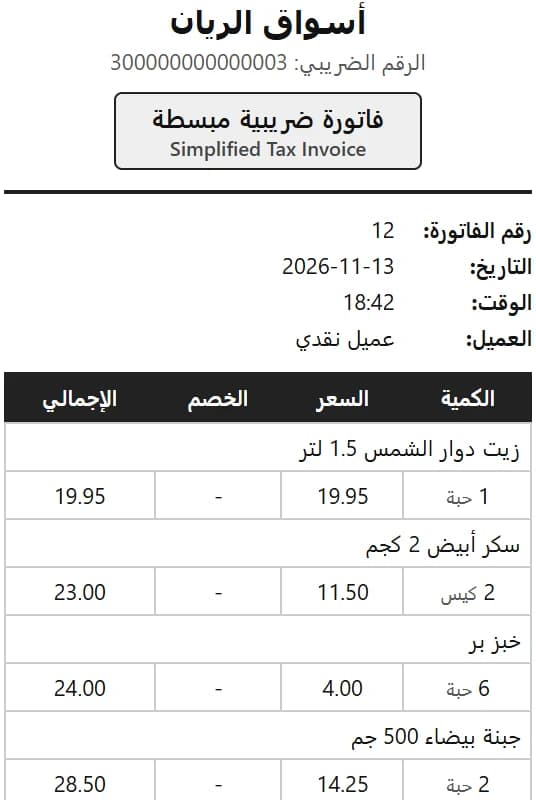
Pick your business type at sign-up and you see what fits it.

Restaurants, cafes, sweets, bakeries and food trucks.
Groceries, supermarkets, clothing, phones, perfumes and pharmacies.
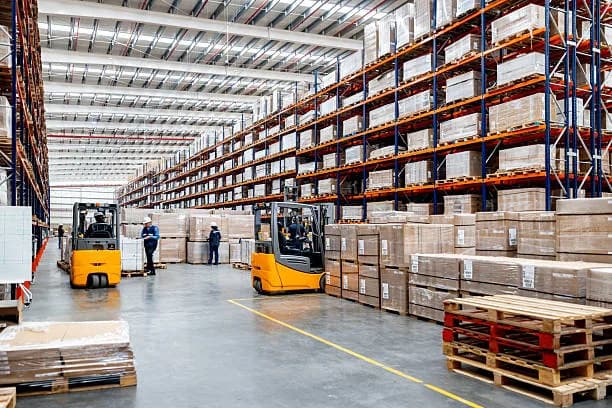
Wholesalers, distributors and warehouses.
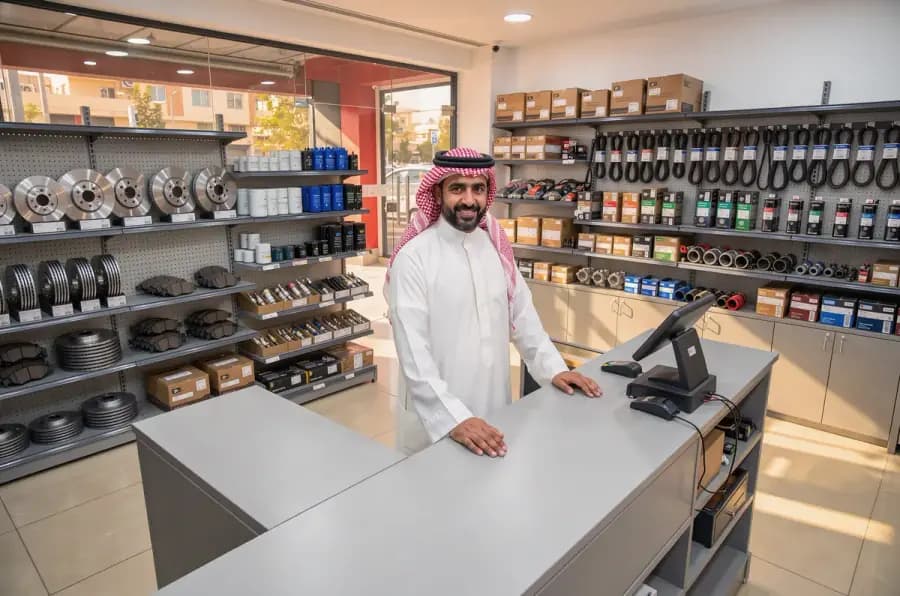
Spare parts, workshops and maintenance.
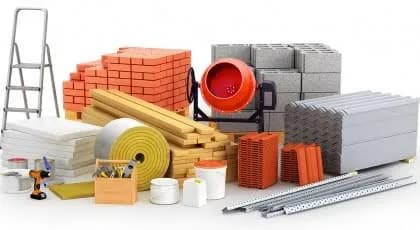
Building materials, plumbing, electrical and paints.
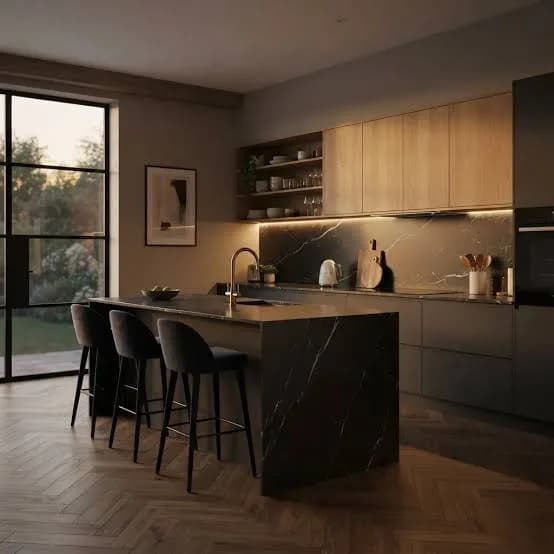
Kitchens, cabinets, aluminum and carpentry.
Quick answers before you start
Download the software and try it free for up to 300 invoices; your data stays with you when you subscribe.